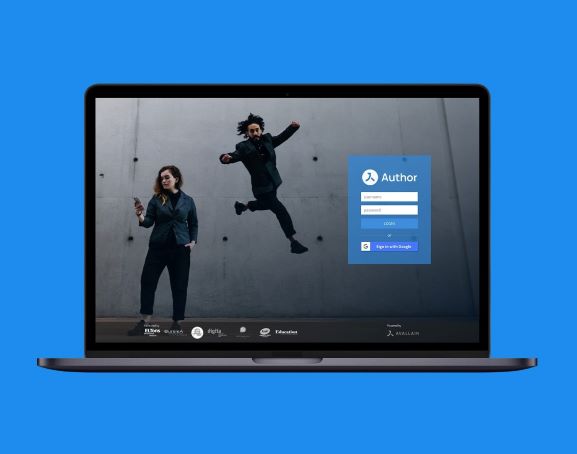
As an ESL teacher, I’ve recently become interested in how to create lessons and modules for e-learning platforms, which I have always been fascinated with. In this article, I’d like to share my discoveries about the e-learning authoring tools preferably used by instructional designers working in the field of English language teaching.
If you’d like to learn what instructional design is all about, you may want to check this article first:
>> From Teacher to Instructional Designer
E-learning authoring tools provide designers with the ability to create instructional materials that are interactive and engaging.
While English language teachers can use LMS tools to deliver, track and report on e-learning courses, designers will use authoring software to build interactive courses, lessons, and tutorials. Now, let’s explore some of the top e-learning authoring tools.
One of the most popular e-learning authoring tools is Articulate Storyline which has many similarities with PowerPoint. This tool gives designers a dynamic user experience with features such as drag-and-drop interactions, quizzes and multimedia elements. Devlin Peck tells us about it here step by step.
Another popular e-learning authoring tool similar to Storyline is Adobe Captivate. This software is known for its ability to create multimedia e-learning content for LMS platforms. With features such as video recording, screen capture, and interactive quizzes, designers can create interactive content to support learners.
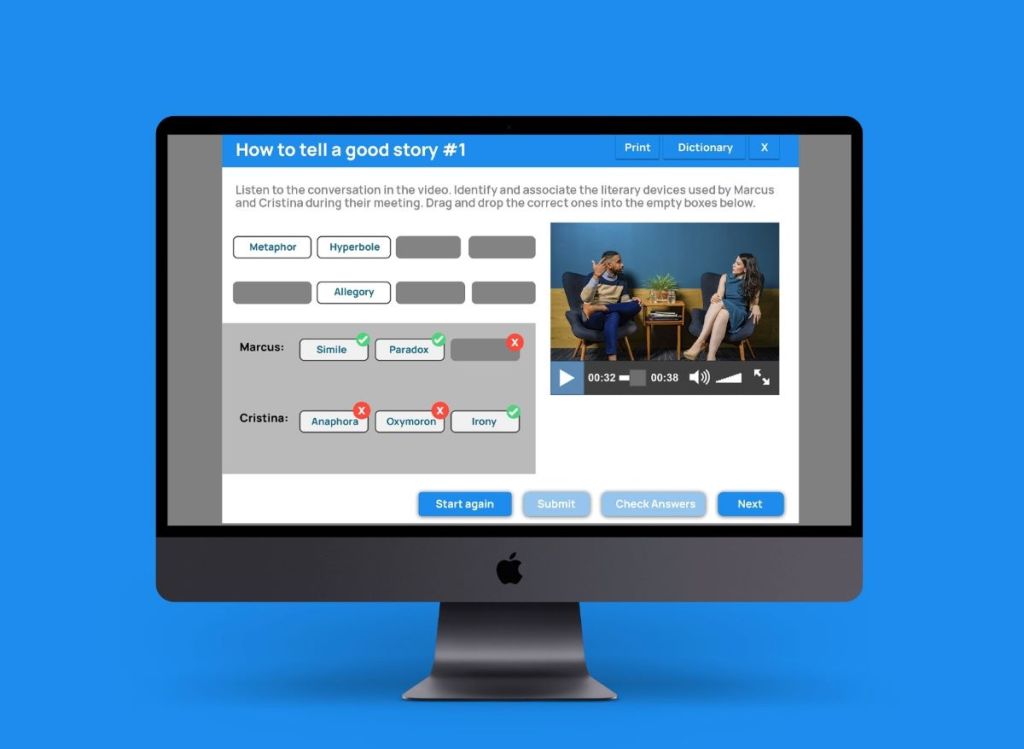
Avallain is an excellent (and not as complex) e-learning authoring tool for language teachers. It is a powerful tool to create interactive and responsive educational content with zero coding required. It’s also worth knowing that Avallain provides an Author Training and Certification Program if you want to develop digital publishing skills as a teacher and learn how to create sophisticated and engaging interactive content.
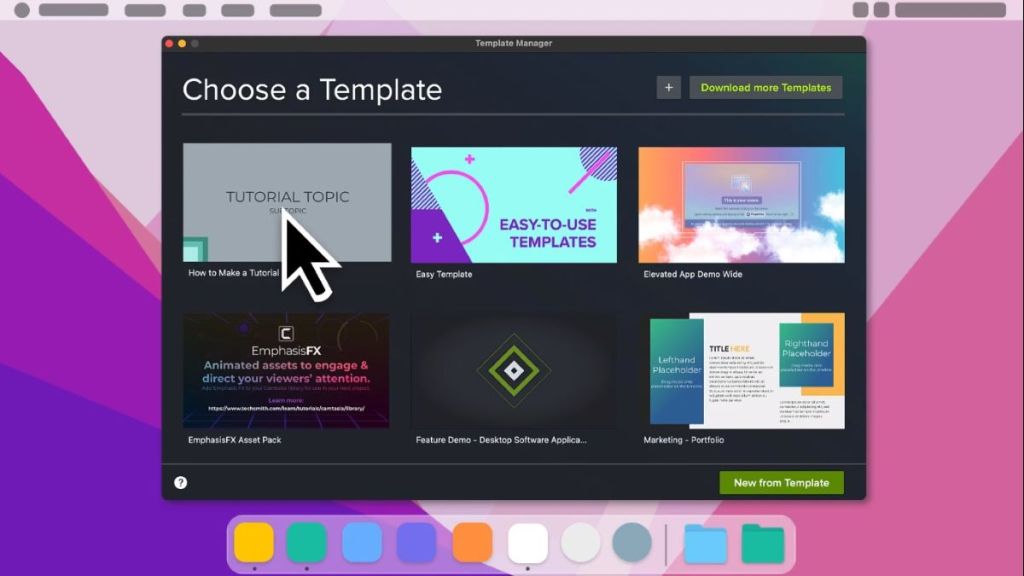
Camtasia provides the perfect platform for video editing and screen recording with its advanced features, so it’s an ideal tool to put a video course together. It’s made for beginners and comes with easy-to-follow tutorials. And you don’t have to be a designer to use it: here is Camtasia for Educators. Make educational videos, record your voice, record your screen, choose a template, and add effects and quizzes.
These tools provide a range of features and options to suit the needs of instructional designers. As an English language teacher interested in learning how to use them, I also have started an online course on Articulate Storyline and I’ll see how it goes.
It makes me wonder though, how this will all evolve with the new AI integration. I guess we’ll see that, too, in the coming months.
If all this technical stuff is too much for you, maybe ELT digital content writing would be more of your thing. Check my previous post to see:
>> Digital Content Writing for English Language Teaching
 ELT Chalkboard
Leave a comment